
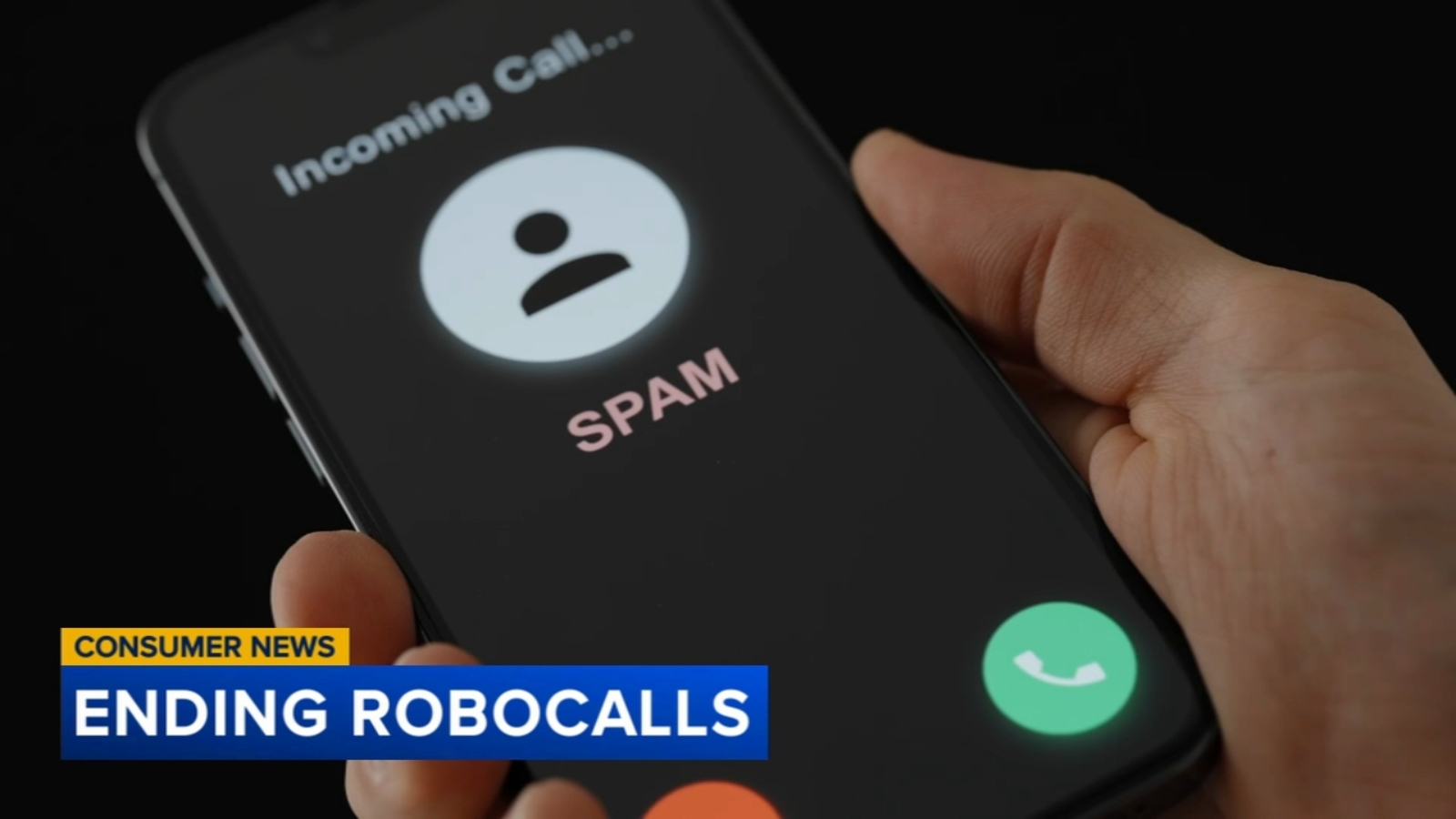
If your phone rings with yet another suspicious call about a fake cruise, phony debt relief, or a “urgent” message from a government agency, you’re far from alone. Learning how to stop robocalls has become almost a survival skill in the modern era. These automated calls aren’t just an inconvenience,they drain billions of dollars from unsuspecting victims every single year, making it more important than ever to arm yourself with effective strategies for stopping them.
The good news? You don’t have to be a tech expert to dramatically reduce the number of unwanted calls reaching your phone. With the right combination of carrier tools, phone settings, third-party apps, and official registries, you can take back control of your ringtone. Below, you’ll find expert-backed recommendations to help you silence spam for good.
Why Robocalls Are a Bigger Problem Than Ever
Robocalls have evolved far beyond simple telemarketing pitches. Today’s automated calls are often sophisticated scams designed to steal personal information, financial data, or hard-earned cash. According to the Federal Trade Commission, consumers reported losing a staggering $10 billion to scams in 2023, with phone-related fraud accounting for the highest individual losses. The median loss per phone scam victim reached approximately $1,480,enough to cause real financial damage to any household.
Scammers frequently use a technique called “caller ID spoofing,” which disguises their real phone number by displaying a familiar name, local area code, or even the name of a trusted institution. This is why so many people mistakenly answer calls from numbers that appear to be their doctor’s office, their child’s school, or a government agency. Understanding this trick is your first step toward outsmarting the fraudsters.
1. Start With Your Cell Phone Provider
Your wireless carrier is actually your first,and most accessible,line of defense against unwanted calls. Because the FTC now requires carriers to implement robocall-fighting technology, most major providers offer some form of free call-screening or spam-identification service.
Free vs. Premium Carrier Tools
- Free options: Most carriers include basic spam detection that flags likely scam numbers on your caller ID or sends them straight to voicemail.
- Paid upgrades: For a small monthly fee (often under $5), you can unlock advanced spam call filtering, enhanced caller identification, and reverse-lookup features.
If you’re unsure what your carrier offers, simply call customer service or check your account app under “call protection” or “call screening” settings. Turning on the free tier alone is one of the easiest ways to stop spam calls from ever reaching your ear.
2. Silence Unknown Callers Entirely
Sometimes the most dramatic move is the most effective. If robocalls are making you miserable, consider restricting your phone so it only rings for numbers saved in your contacts. Apple, Google, and Samsung all offer this feature with slight variations.
How to Enable “Silence Unknown Callers” on iPhone
- Open the Settings app.
- Scroll down and tap Phone.
- Toggle on Silence Unknown Callers.
Once activated, calls from numbers not in your contacts, recent call history, or Siri Suggestions will go directly to voicemail. Voicemail is a much safer place for these calls to land,if it’s truly important, the caller can leave a message, and you can screen it at your convenience.
Android users can achieve similar results through the Phone app’s settings by enabling “Filter spam calls” or using built-in caller ID and spam protection.
3. Ignore Suspicious Texts
Do not respond to unexpected texts from unfamiliar senders. Even replying “STOP” can confirm that your number is active, making it more valuable to scammers who then sell or share it. Treat every unsolicited message,regardless of how official it looks,with skepticism.
If a text claims to be from your bank, delivery service, or government agency, never click embedded links. Instead, contact the organization directly using the phone number listed on their official website.
4. Try a Third-Party Scam Blocker App
There’s truly an app for almost everything, including spam blocker apps designed to identify and filter out fraudulent calls before your phone even rings. Popular options like Truecaller, Hiya, and RoboKiller maintain massive databases of known scam numbers.
What to Look for Before Downloading
Before installing any call-blocking app, do your homework:
- Read user reviews from trusted sources to gauge real-world performance.
- Examine the privacy policy carefully,some apps collect and sell user data, access your contacts, or log call metadata.
- Try free versions first to see if the app meets your needs before committing to a subscription.
The best scam blocker apps are transparent about what data they collect and how they use it. If the fine print feels shady, trust your instincts and move on to another option.
5. Register With the National Do Not Call Registry
The National Do Not Call Registry, managed by the FTC, remains one of the simplest tools for reducing legitimate telemarketing calls. Registration is free, takes less than a minute, and you can do it online at donotcall.gov or by calling 1-888-382-1222 from the phone you want to register.
Once you’re on the list, legitimate telemarketers are required by law to stop calling you within 31 days. While this won’t eliminate illegal scam calls,which operate outside the law regardless,it will reduce calls from respectable companies and help distinguish robocalls from unwanted but lawful contacts.
6. Report Every Unwanted Call and Text
Reporting suspicious calls doesn’t just help you,it helps protect your entire community. There are several official channels you should use:
- Forward suspicious texts to 7726 (“SPAM”). This free service forwards the message to your carrier, which investigates and may block the sender.
- File a complaint with the FTC at reportfraud.ftc.gov.
- Contact your state attorney general or your state’s public service commission or consumer protection office.
Each complaint strengthens efforts to identify patterns, prosecute scammers, and develop better caller ID authentication technology.
7. Understand Caller ID Authentication
One of the most promising developments in the fight against robocalls is the rollout of STIR/SHAKEN, a framework that authenticates caller ID information across phone networks. This technology helps carriers verify that the number displayed on your screen actually belongs to the person calling you. Since full implementation, call spoofing has become significantly harder for fraudsters, and consumer reports of spoofed robocalls have trended downward.
You don’t need to do anything special to benefit from this system,your carrier handles it automatically. However, it’s worth ensuring your phone’s software is up to date so it can display authentication results when available.
8. Add Your Number to Internal Block Lists
Beyond the national registry, most smartphones allow you to block specific numbers manually. While this won’t stop a determined scammer who rotates numbers, it does provide quick relief from repeat offenders. On both iPhone and Android, simply open your recent calls list, tap the number, and select “Block this caller.”
Protect Yourself and Your Loved Ones
Robocalls aren’t just a personal annoyance,they often target vulnerable populations, including older adults. If you have elderly family members, take a few minutes to help them implement these safeguards on their phones. Setting up carrier spam filtering, enabling “silence unknown callers,” and registering their number on the Do Not Call Registry are simple gifts that can prevent devastating financial losses.
Final Thoughts
Stopping robocalls isn’t about a single magic solution,it’s about layering defenses. Start by activating your carrier’s free spam-filtering tools, then enable your phone’s built-in “silence unknown callers” feature. Register with the National Do Not Call Registry, consider a reputable scam blocker app, and never engage with suspicious texts or calls. Finally, report every fraudulent contact you encounter. Together, these steps form a robust shield that will dramatically cut down on the unwanted calls interrupting your day,and keep your hard-earned money safely in your pocket.